

Free · No account required
Paper punch photo effect
Completely free of charge and no membership registration required, holes and pieces of paper such as stars, hearts, polka dots, and flowers are placed on two sides. You can create pastel color photo processing.
Vertical 3:4・1080×1440px
PhotoJPEG/PNG/WebP/Up to 20MB
Paper color
STYLE SAMPLES
Paper punch photo ideas
Vertical 9:16
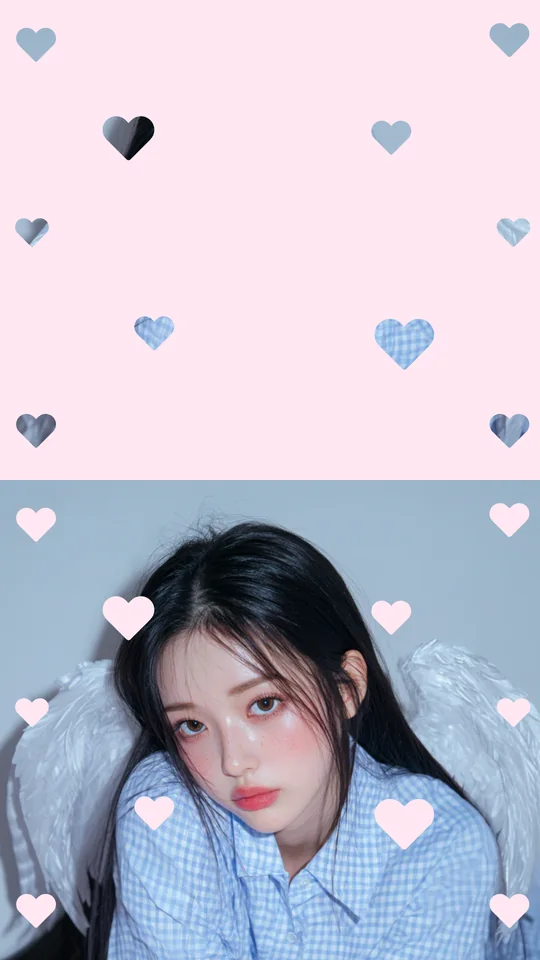
Center open x heart
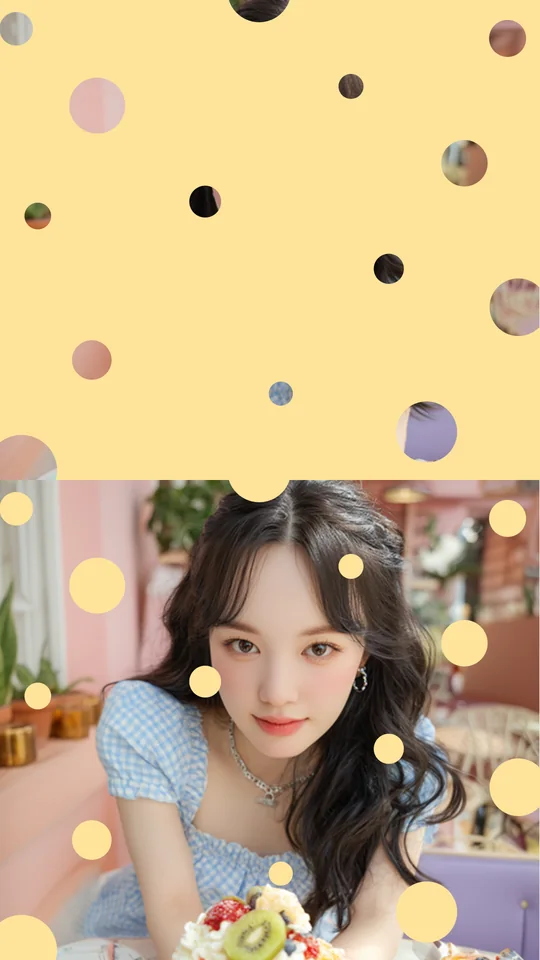
Polka dots x pastel
Horizontal 4:3
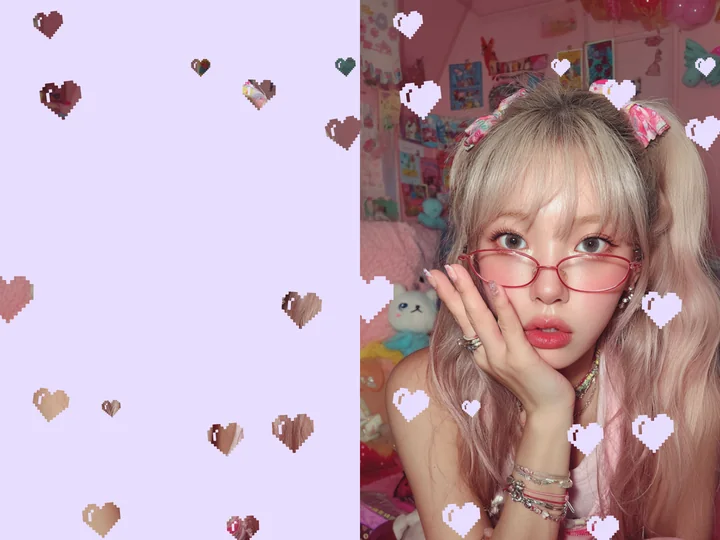
Pixel heart x lavender
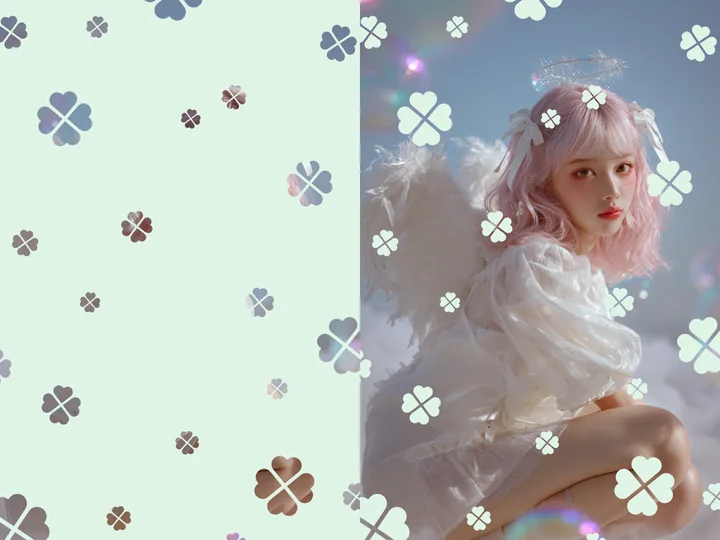
Clover x pastel mint
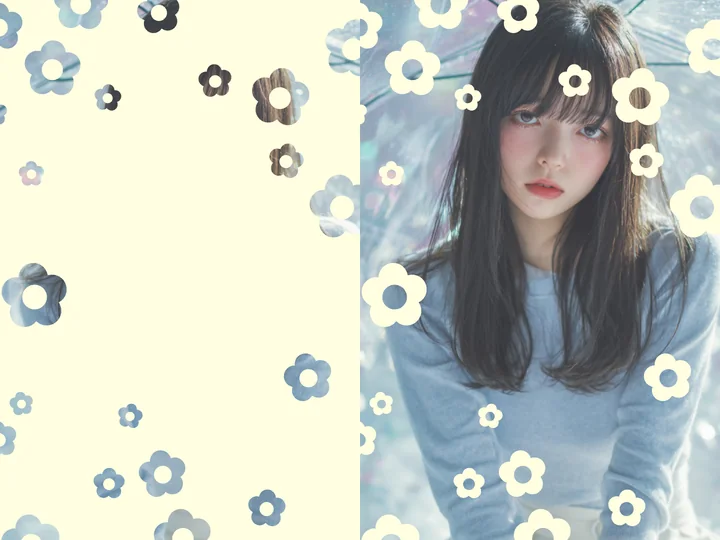
Flower × pastel yellow
What you can do with Hole punch processing tool
No app installation or membership registration required. You can create it for free by selecting a photo and checking the finished product.
Choose from 6 cute types
You can choose from stars, hearts, pixel hearts, polka dots, flowers, and clovers for the pastel paper holes and the missing pieces of paper to place on the photo.
Select cute layout
You can choose from an arrangement that avoids the subject in the center or random, and you can also adjust the size and density of the mold.
4 sizes in height and width
Supports stories 9:16, vertical 3:4, horizontal 16:9, horizontal 4:3. Line up the two sides vertically, top and bottom, and horizontally, side by side.
How to use Hole punch processing tool
From loading the photo to saving the completed PNG, it can be completed in 3 steps.
- STEP 1
Select photo
Select the photo you want to edit and adjust the cropping position for the two sides on the opened screen.
- STEP 2
Select type, arrangement, and color
Choose a mold from stars, hearts, pixel hearts, polka dots, flowers, or clovers, and adjust the center spacing, mold size/density, and pastel paper color to your liking.
- STEP 3
Select size and save
Select 9:16/3:4 vertically or 16:9/4:3 horizontally and save the PNG image with two sides connected.
Tips to make it beautiful
Cut out the main character to the center
After selecting a photo, center the face or main character on the cropping screen to convey the expression on both the top and bottom, left and right sides.
Change paper color to favorite color
If you use paper with fewer colors or stronger colors in the photo, you can clearly see the holes and the outlines of the pieces of paper that have fallen through.
Stories leave blank spaces.
If you want to overlay text or stamps later, choose an arrangement with a margin and make the mold a little smaller to make it easier to use.
Other image processing tools
You can process the same photo to create the image you want, such as hiding it, cutting it out, arranging it, putting it in a frame, etc.
Frequently asked questions
What is hole punching?
This is an image processing method where the same photo is placed on two sides, with one side showing the photo through pastel paper die-cut holes, and the other side making it look like paper pieces have been scattered through the photo.
Can I save it to the size of Instagram story?
Yes. The default story size is 9:16, and you can also switch to 3:4 (vertical), 16:9 (horizontal), or 4:3 (horizontal).
Are the photos sent to the server?
No. The selected photos can be loaded and processed only in the browser. It is not uploaded or stored on Petari's servers.