
Free · No account required
Cover faces with stickers
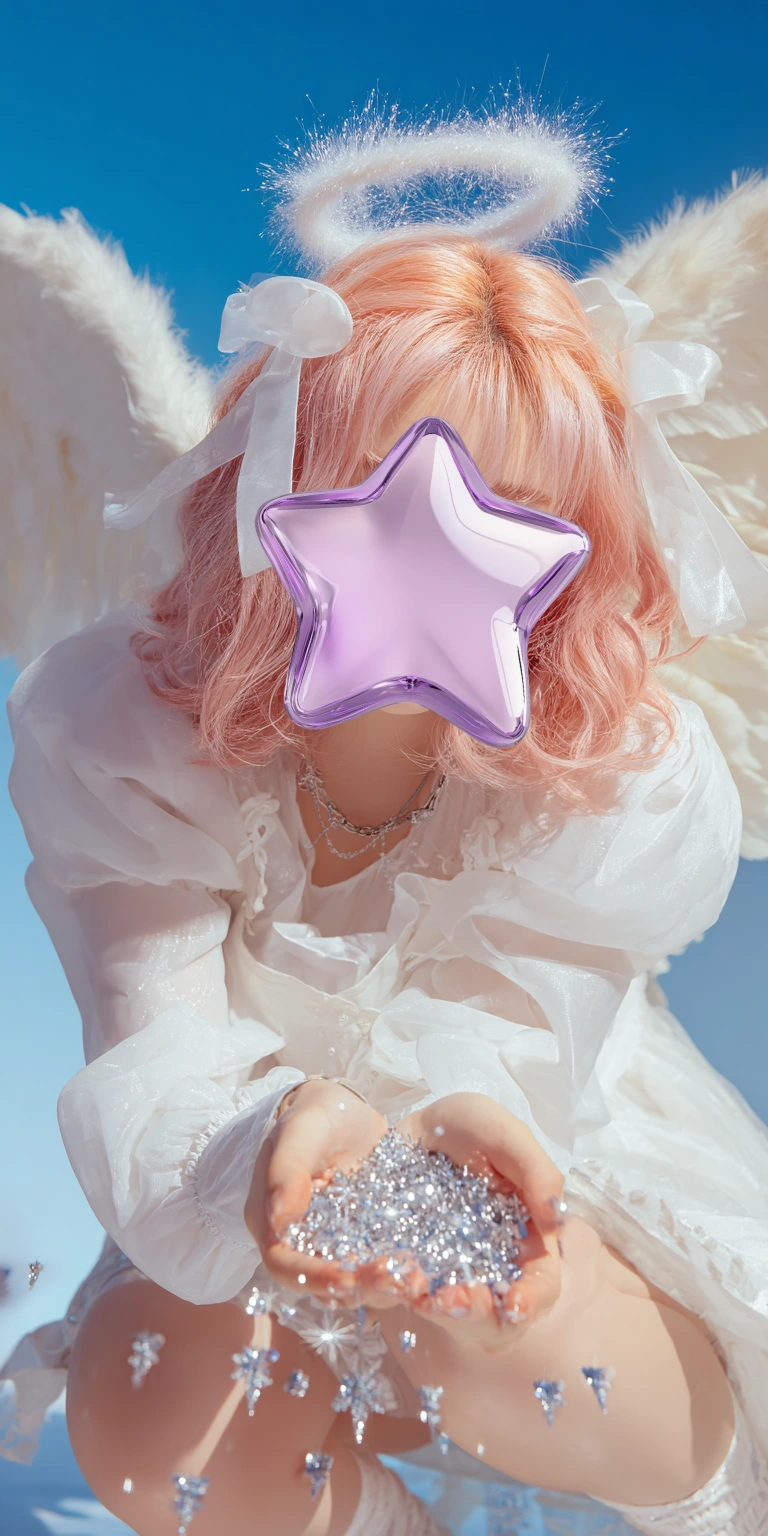
Completely free of charge, no membership registration required, place cute face hiding materials on photos. You can stack multiple stamps and save them with the angle of view of the original photo.
Sample・1080×1080px
PhotoJPEG/PNG/WebP/Up to 20MB
FACE COVER SAMPLES
Face-covering ideas
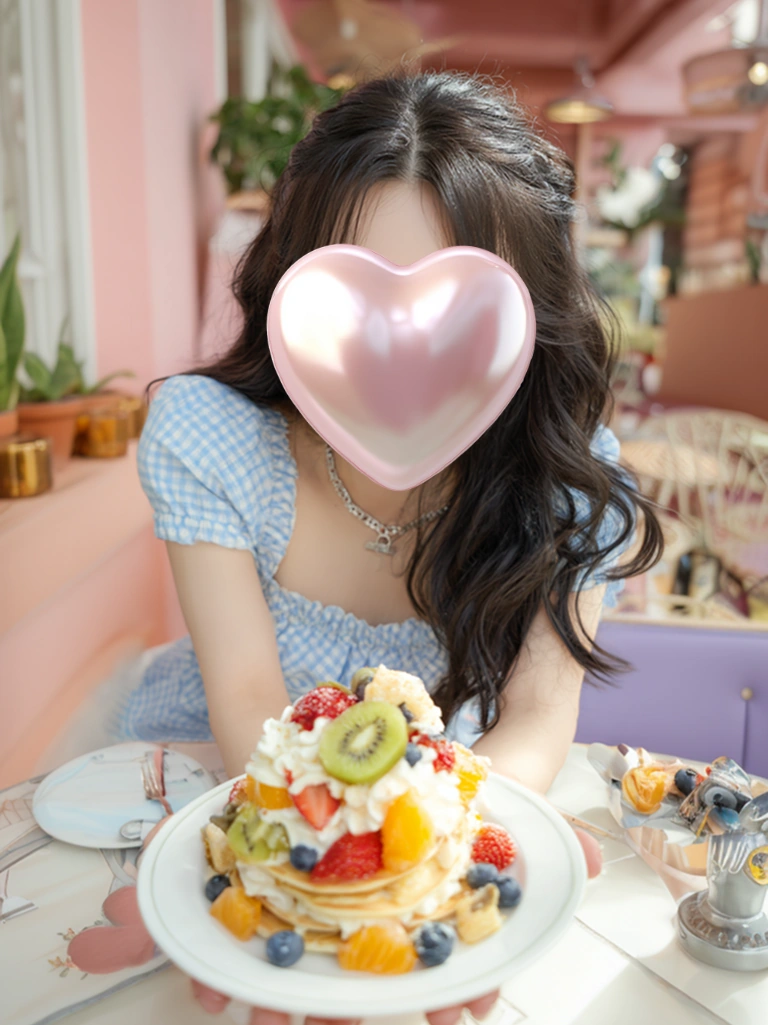
Hide your face with a plump heart
What you can do with Cover faces with stickers
No app installation or membership registration required. You can create it for free by selecting a photo and checking the finished product.
Cute face hiding material
You can choose a face mask that suits your photo from the same materials as the Uchiwa Editor. You can view additional materials from View More.
Can hide multiple faces
You can add materials and change the position, size, angle, and transparency for each person. You can also use it to take photos with your friends.
Finely adjust transparency
You can change the transparency of each material layered on the photo to blend it naturally with the face and background.
How to use Cover faces with stickers
From loading the photo to saving the completed PNG, it can be completed in 3 steps.
- STEP 1
Select photo
Select one of the photos on your device that you want to edit. Photos are never sent outside of your browser.
- STEP 2
Place face hiding material
Select and add your favorite material and move it to the position you want to hide in the photo. Adjust size and angle.
- STEP 3
Save as original angle of view
Save the completed PNG image without changing the aspect ratio of the photo.
Tips to make it beautiful
Hide only the eyes
By making the material a little smaller, you can preserve the expression and coordination. Ribbons and horizontal glitter are easy to use.
Match your favorite color
If you choose a material with a color similar to the clothes or nameboard in the photo, the design will look less like an afterthought.
Hide necessary information as well
Before saving, check that faces, ticket numbers, name tags, addresses and location details you want to keep private are hidden.
Other image processing tools
You can process the same photo to create the image you want, such as hiding it, cutting it out, arranging it, putting it in a frame, etc.
▦→★→01→♡→♪→
Mosaic and blur editor
Can be hidden by tracing with your finger
Paper punch photo effect
6 types of holes and paper strips on 2 sides
Fan profile collage maker
6 types of templates and cutouts
Instant photo maker
Frame color/font/text
Lyrics card maker
Lyrics, jacket, and song information all in one sheet
Frequently asked questions
Can I use face hiding materials for free?
Yes. You can use the arrangement of materials within the page, photo processing, and saving of completed PNGs and single material PNGs for free.
Will the aspect ratio of the photo change?
No. Saves the selected photo while preserving its aspect ratio. Photos for stories can also be edited at 9:16.
Are the photos sent to the server?
No. The selected photos can be loaded and processed only in the browser. It is not uploaded or stored on Petari's servers.