
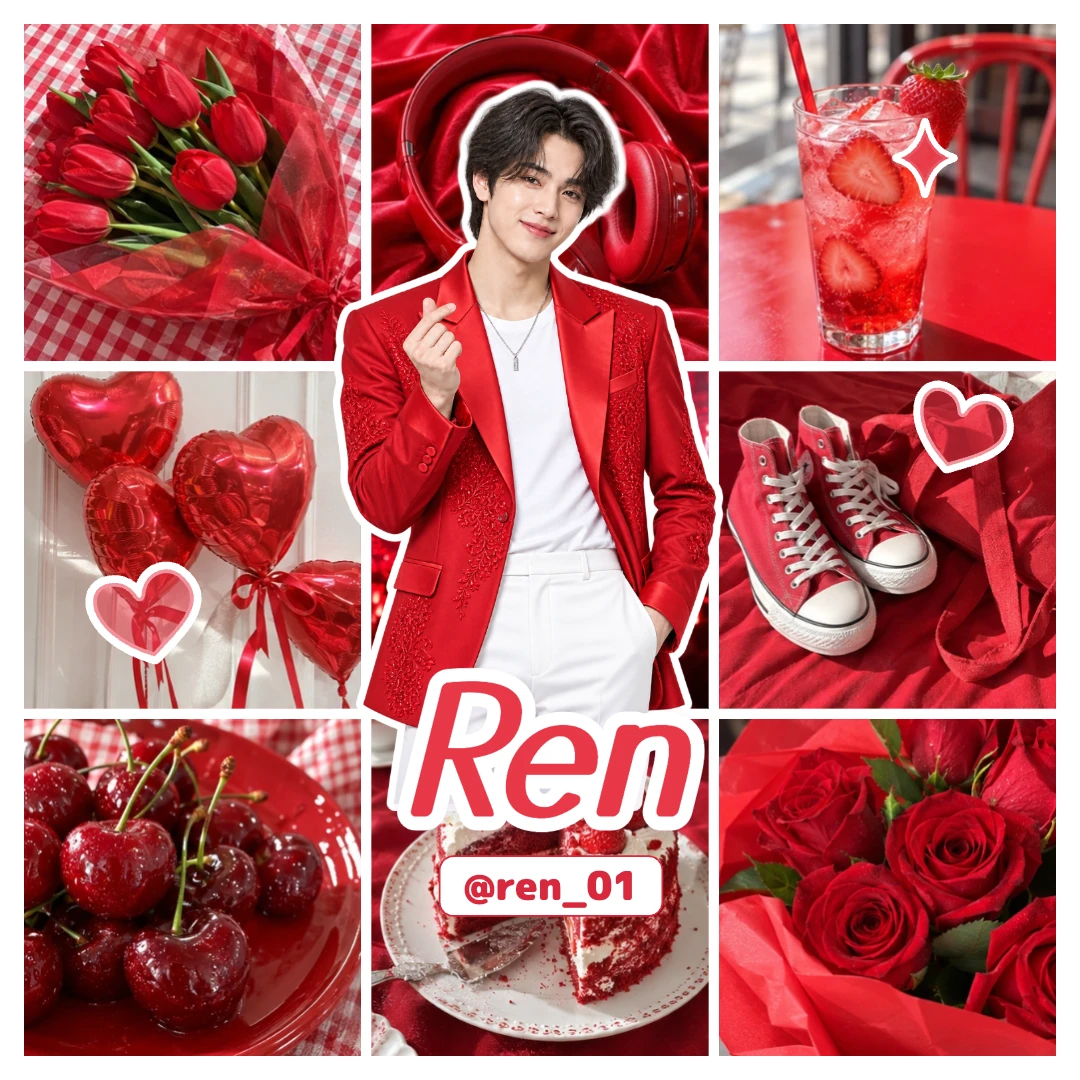
Royal road 9 squares
Ren × Red
Completely free of charge, no membership registration required, everything you like in one place. You can create cute tag pictures with your favorite cutouts and names from 6 different templates.
Ren × Red
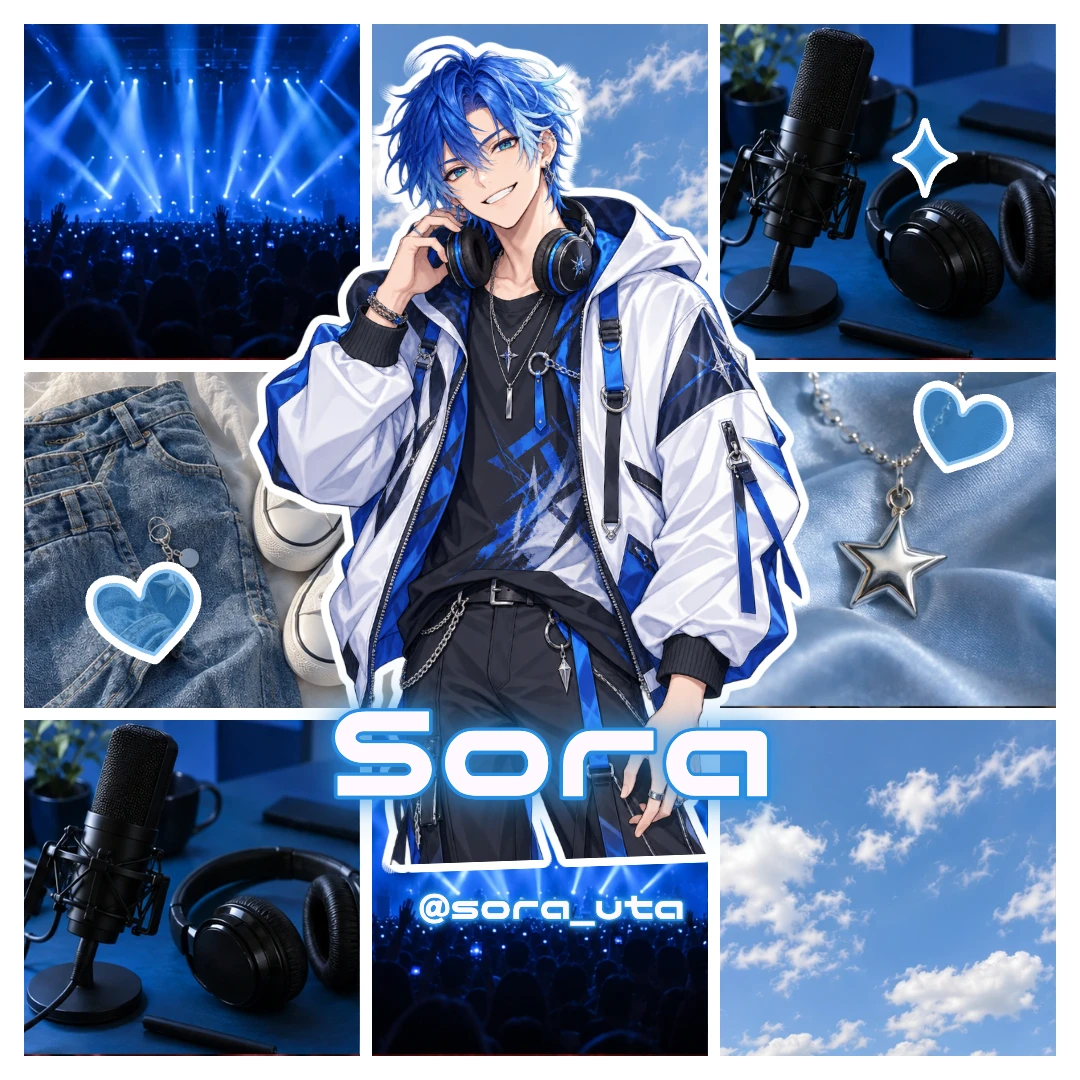
Sora × Blue neon
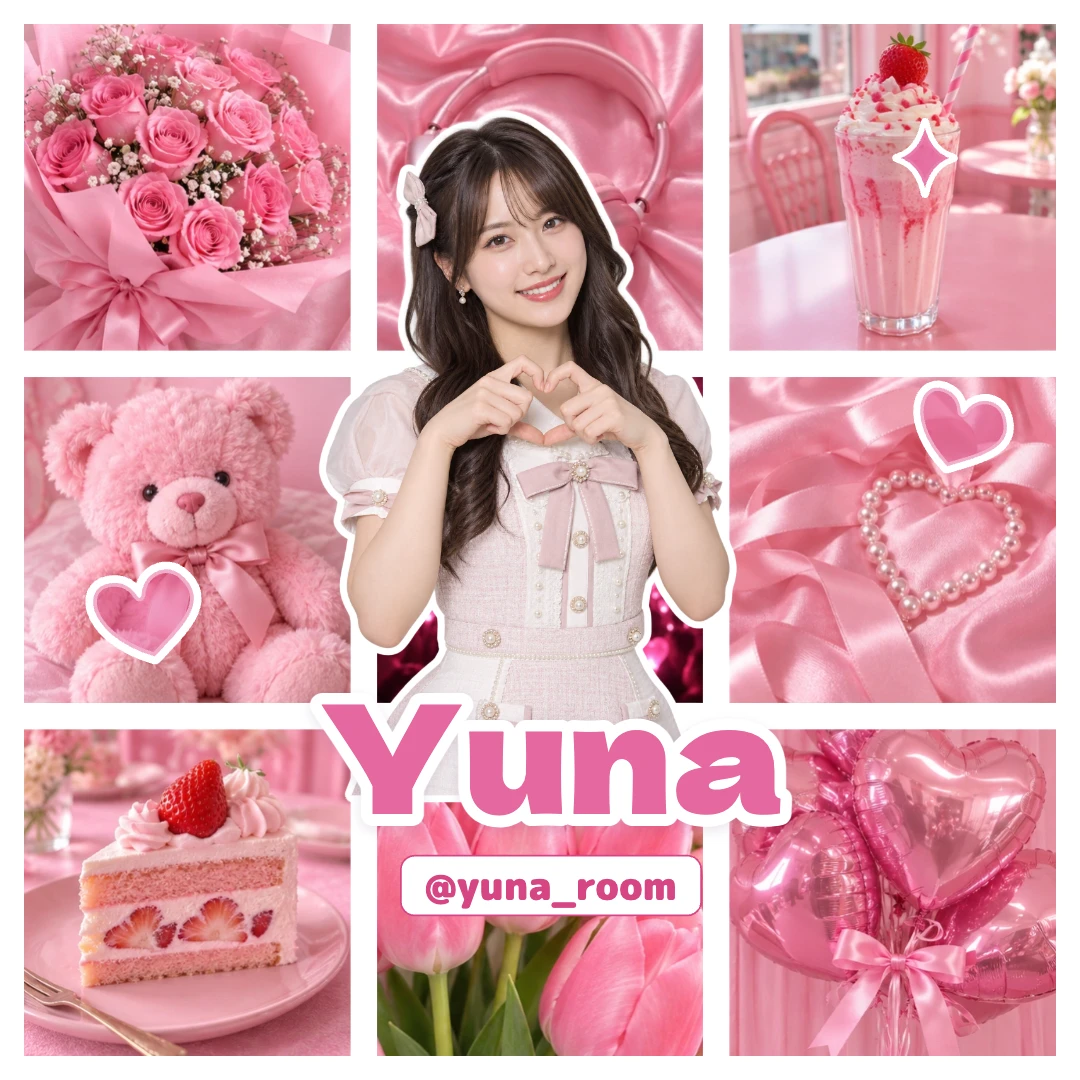
Yuna × Pink
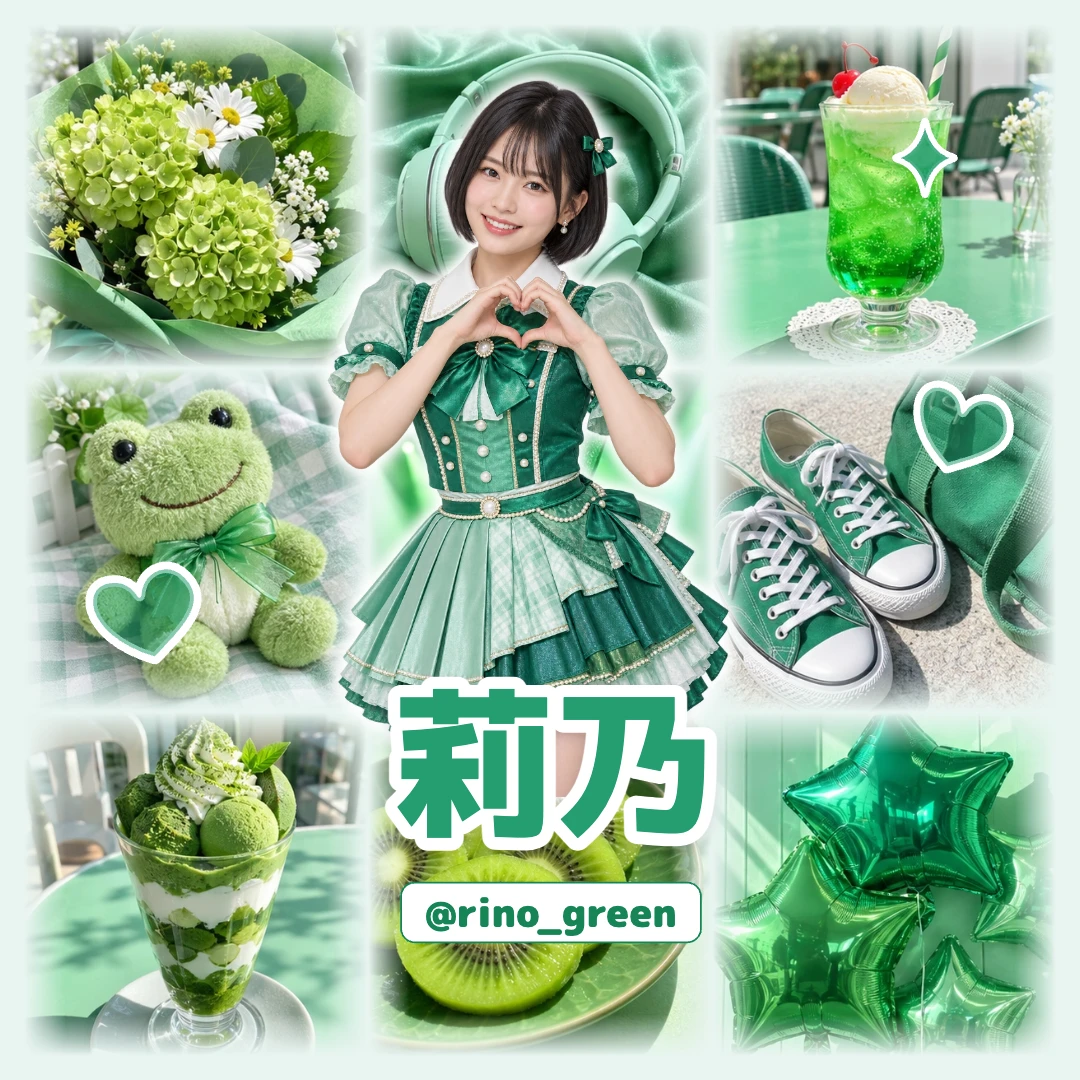
Rino × Green
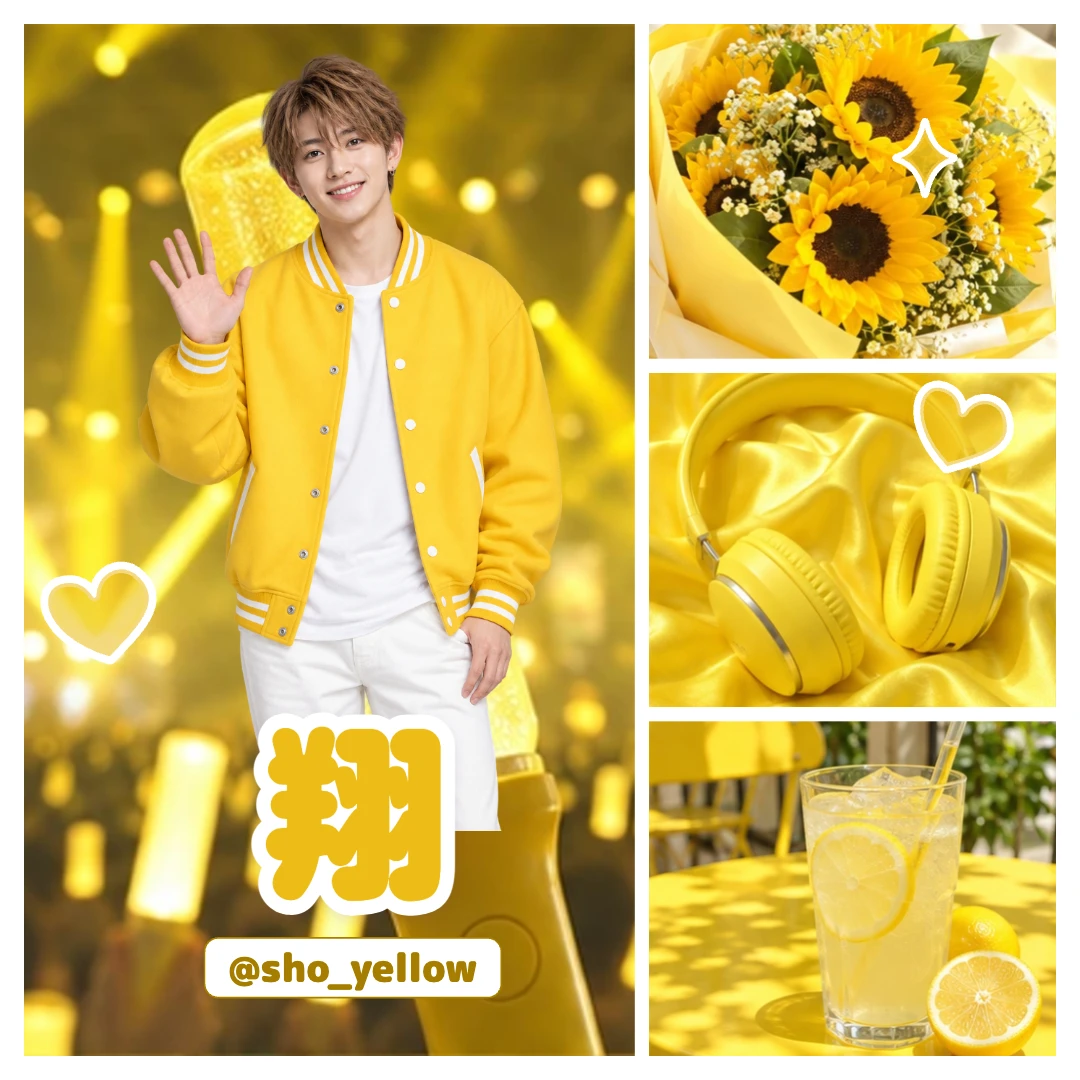
Sho × Yellow
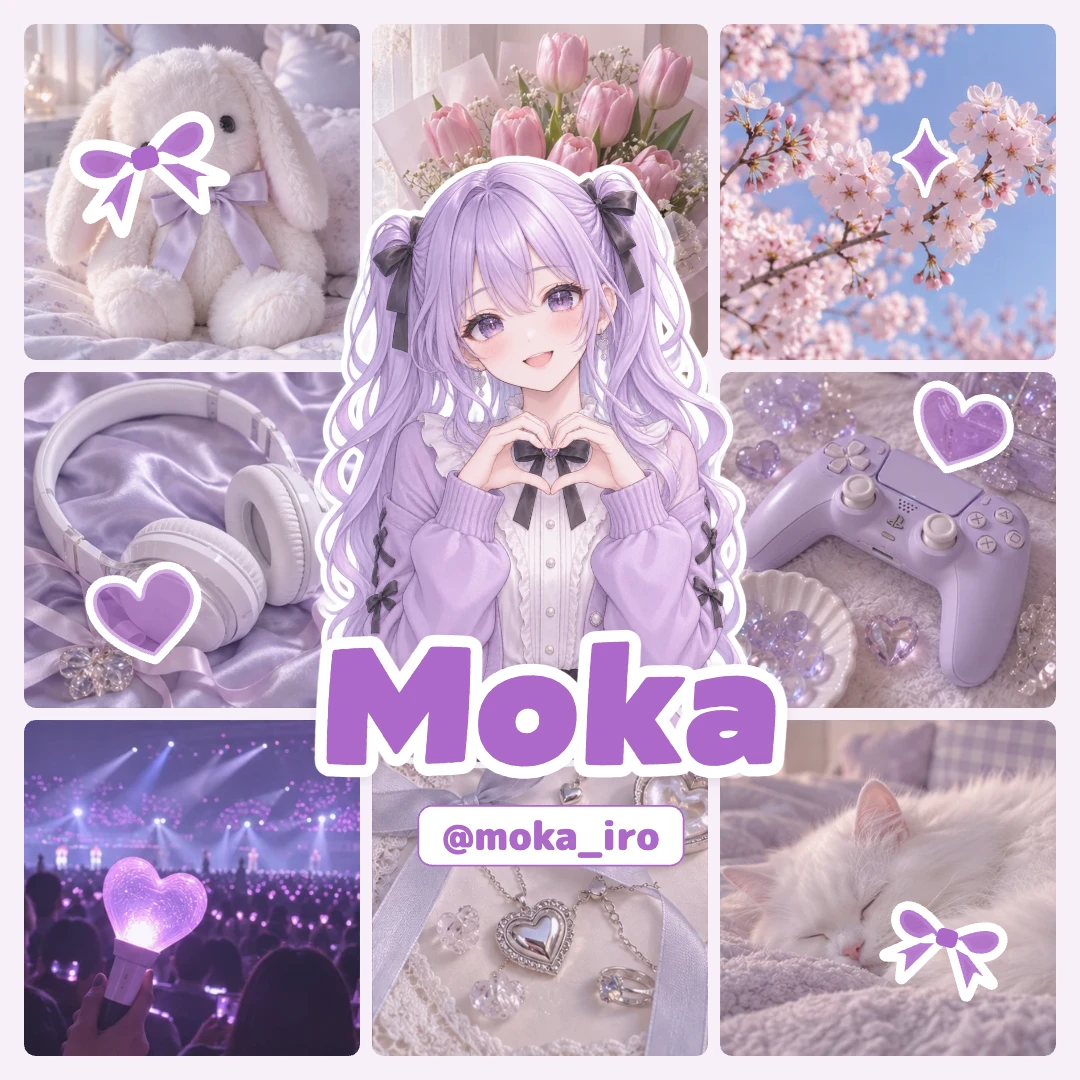
Moka × Purple
No app installation or membership registration required. You can create it for free by selecting a photo and checking the finished product.
You can choose your favorite atmosphere from the classic 9 squares, center cutout, white line Instagram style, fluffy border, left/right asymmetry, and mass-produced pastels.
You can erase the background of the photo and overlay it in a larger size. You can also use pre-cropped images and move them with your fingers to place them where you want.
Add hearts and sparkles to the name/X ID. You can match the colors and save as PNG.
From loading the photo to saving the completed PNG, it can be completed in 3 steps.
Choose your favorite template from 6 types and add up to 9 photos to use as the background. Goods, cafes, and live concert memories are also recommended.
Cut out the photo placed in the center and enter the name and X ID. Finish by moving it with your fingers and changing the color and decoration.
You can save as a square image of 1080 x 1080px. Use it to find friends or post self-introductions, and add hashtags on the posting screen.
Layering the same colors in your photos, such as pink, purple, and blue, creates cohesion. If you are unsure, please choose from the suggested colors.
Make the middle image larger and move the name to a place where it does not overlap the face. Choosing a color that won't bury your name or X ID in the background will make it easier to read even on small smartphone displays.
Surrounding yourself with sewing items, goods, your favorite cafe, etc. will convey your personality. Please select the photos you are happy to publish.
Instant photo style processingYaLyrics cardcan also be used as tag pictures.
Just place cute materials
Can be hidden by tracing with your finger
6 types of holes and paper strips on 2 sides
Frame color/font/text
Lyrics, jacket, and song information all in one sheet
There are 6 types: classic 9 squares, center cutout, white line Instagram style, fluffy border, left and right asymmetry, and mass-produced pastel. You can use up to 9 photos for the background and overlay another favorite image, name, and X ID.
Yes. You can erase the background of the photo placed in the center on this screen. You can also use transparent PNG. Please check the finished product as some of the photos may have small details.
No. The selected photos can be loaded and processed only in the browser. It is not uploaded or stored on Petari's servers.