

Free fan sign backgrounds
You can create and download background images for your fan by changing over 25 types of background materials, such as hearts, leopard print, frame layout, and checks, to your favorite color, completely free of charge and without requiring membership registration! There is also a function that allows you to create a deco fan by adding a name and photo, so you can easily create your own deco fan.
Fan colors
Fans that can be made with this material
This is a completed image cut and pasted in the shape of a fan.

Yellow × Photo

Pink x Heart

Green × diagonal frame
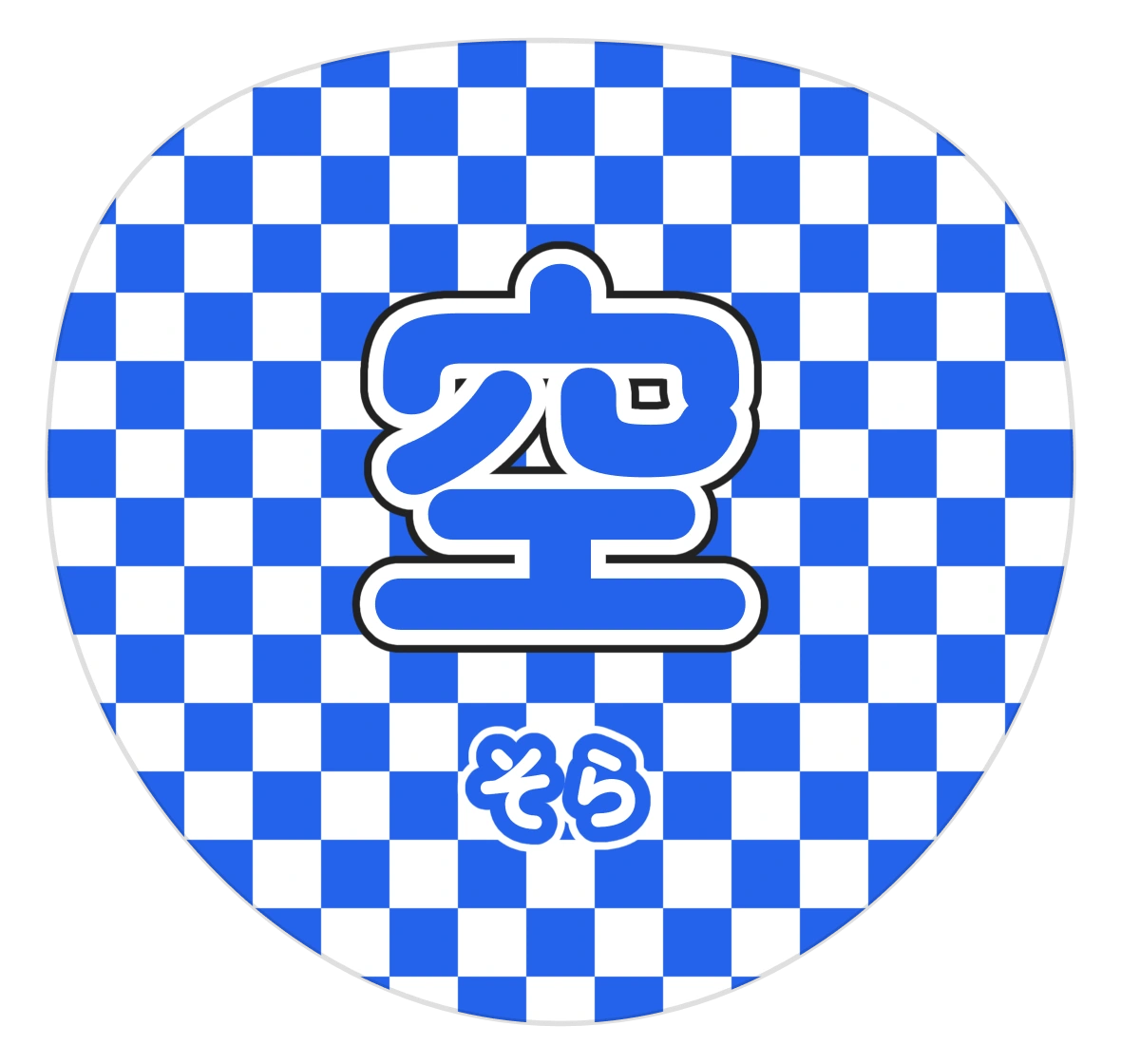
Blue × Name letters

Purple × Character
The people and characters in the examples are fictitious. You can change it to your favorite photo and name.
Make a fan from your favorite materials
- 1
Select material
Tap the background or decoration to make it your favorite color.
- 2
Create and save as is
Edit with "Create a deco fan". If you only need the material, press and hold the image to save it.
- 3
Finish with photo and name
Layer photos and names on the fan, then save and print when completed.
Frequently asked questions about storage and usage
Can I save for free?
The background and decoration materials on this page can be saved for free without registration. You can tap the material and "save image", or on a smartphone, long press on a large image to save it.
Is the background to be saved in the shape of a fan?
"Material image" is a square PNG of 1200 x 1200px, "For A3 printing" is an image of the shape of a fan placed on A3 horizontal paper. Decorations can be saved as PNG with a transparent background.
Can I overlay a photo on the background of a panel?
From "Create a Deco Fan" you can overlay your favorite photo on the panel background. The background separation is fixed, so please match the size and location of the photo.
Can I print the saved background as is?
If you select "For A3 printing" from "Save image", you can save the image in the size of a jumbo fan (width 29.2 x height 28.2 cm). Print in A3 landscape, original size (100%), and turn off "Fit to paper". If you want to add a photo or name, you can finish it by clicking on "Create a deco fan".Click here to learn how to match the print size。